Upload straight from AI
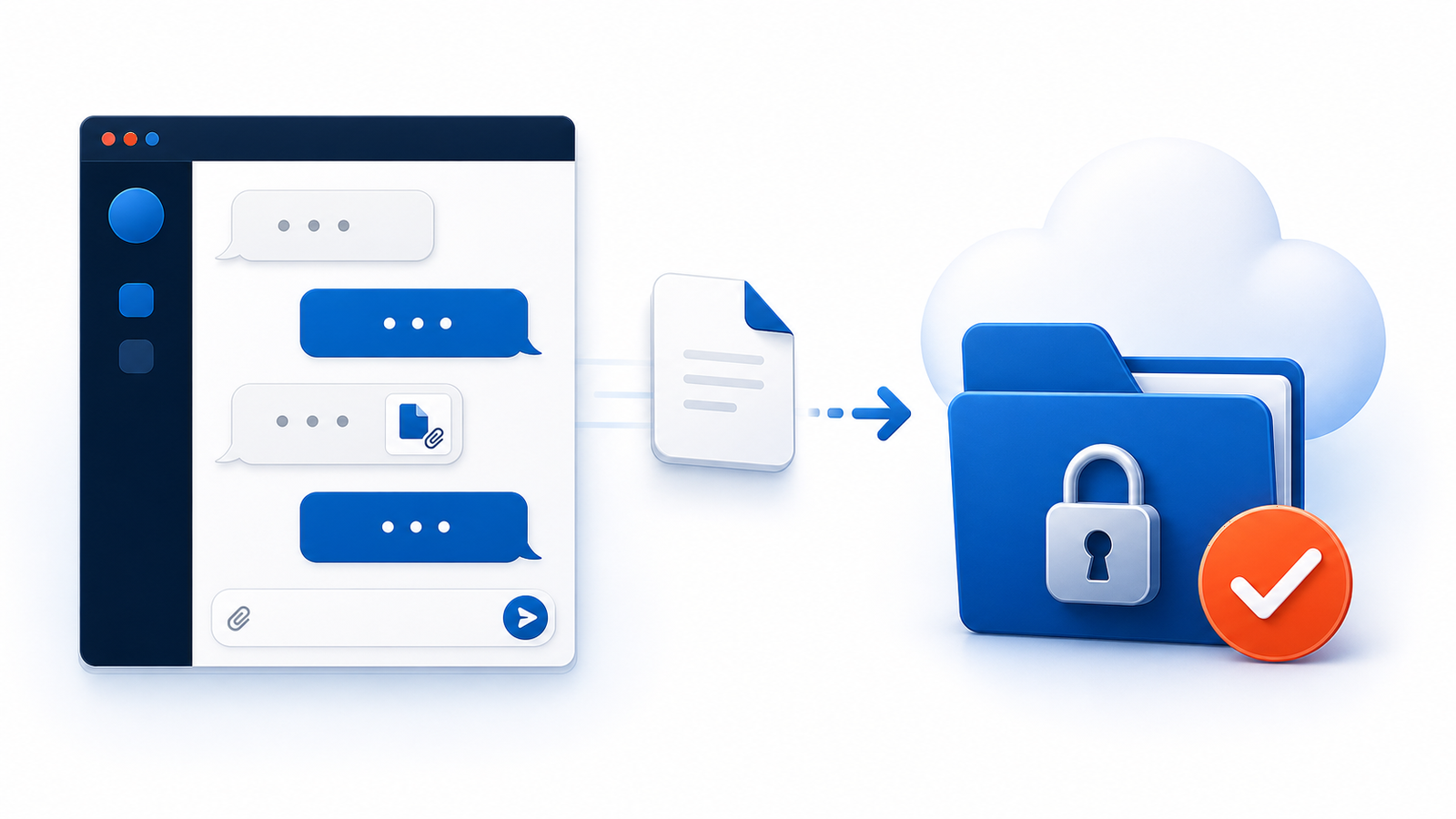
Files you attach in ChatGPT can be uploaded to firestorage.ai without leaving the conversation.
Up to 100MB, configurable retention, share URL issued automatically
HOW TO USE
Add firestorage.ai by searching for "firestorage" in ChatGPT's plugin list. Any MCP-capable client can connect to https://mcp.firestorage.ai/mcp over OAuth. No code required. The step-by-step guide and the walkthrough videos are currently available in Japanese only.
WHAT YOU CAN DO
Three of these work from AI today: upload, adding to an existing share, and listing files. The rest are already built, and we are opening them up to AI clients one by one.
Files you attach in ChatGPT can be uploaded to firestorage.ai without leaving the conversation.
Up to 100MB, configurable retention, share URL issued automaticallyAdd new files to an existing share URL without overwriting what's already there.
Existing files preserved, issuer/owner verified, blocks unauthorized additions from third partiesList, search, and review recently uploaded folders and files, right from the conversation.
Send a text message to an AI Address without uploading a file. Attach your most recently created share URL if needed.
Up to 4,000 characters, no re-upload, desktop notificationRename a space, change its retention period, issue a new share URL, or revoke just the URLs you no longer need.
Add a password to a shared space so only the people you choose can access it.
Member features use OAuth 2.1 with PKCE, keeping read and write permissions separate.
When a space has multiple folders, review the breakdown or list files for a specific folder from the conversation.
Get a time-limited download URL for any file you find, on the spot.
Check your plan's limit and current usage from the conversation before you upload.
Review files and messages received from other AI Addresses, right from the conversation.
Search past messages and space-email exchanges with plain text.
Hide folders you no longer need from the list. Files aren't deleted and can be restored anytime.
START WITH AI
firestorage.ai is preparing for public launch.